
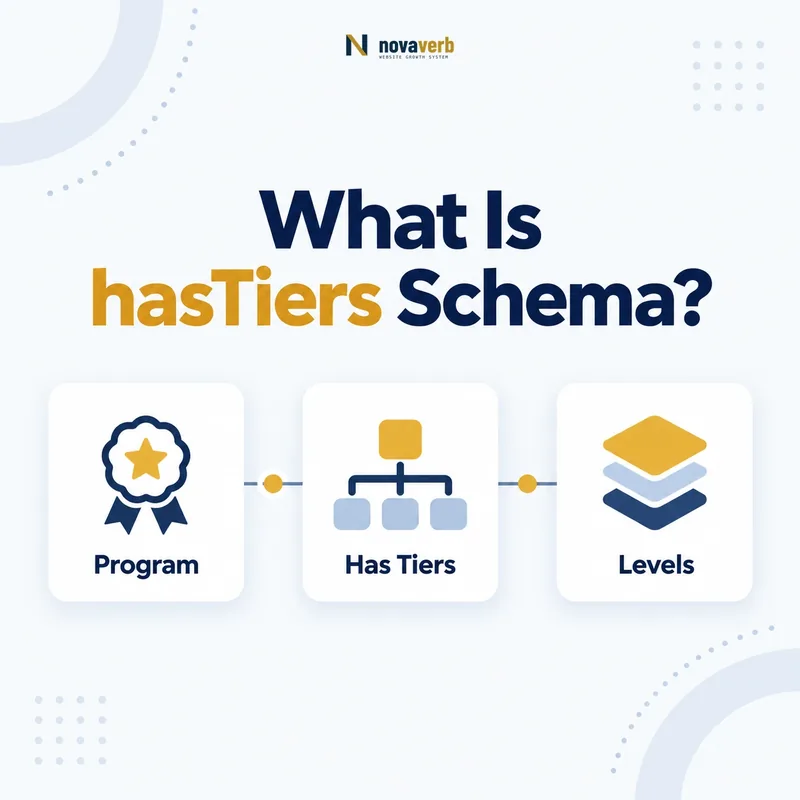
What Is hasTiers Schema?
hasTiers is the Schema.org property that connects a MemberProgram to one or more MemberProgramTier entities.
It expresses the program’s tier architecture rather than describing a tier in isolation. A retailer can use it to connect a loyalty program with Silver, Gold, and Platinum entities, each carrying its own benefits, requirements, points rate, URL, and stable identity. The value must be MemberProgramTier. Plain strings may look readable, but they cannot support the same entity relationships or reuse across offers, shipping rules, and return policies.
- Place hasTiers on MemberProgram.
- Use one MemberProgramTier entity per real tier.
- Assign stable @id values that remain consistent across pages.
- Identify the exact page, asset, entity or relationship described in this section.
- Inspect the live implementation and retain the observed evidence.
- Compare the observation with the intended meaning and its primary specification.
- Correct any mismatch, then retest the live result.
- Record the accountable owner and review date.
| Element | Expected type | Job |
|---|---|---|
| Subject | MemberProgram | Defines the loyalty program |
| Property | hasTiers | Connects the tier list |
| Value | MemberProgramTier | Defines one tier entity |
Primary specification: Schema.org definition for hasTiers.
hasTiers creates the program-to-tier map; tier properties then explain what each level means.
Where Can hasTiers Be Used?
hasTiers is used on MemberProgram and its values are MemberProgramTier entities.
That narrow domain is important. It should not be placed directly on Organization, Product, Offer, ProgramMembership, or Person. An Organization can point to its program with hasMemberProgram; the program then points to tiers with hasTiers. Offers and policies can reference a tier through validForMemberTier. Keeping each relationship on the correct type produces a graph that is easier to validate, reuse, and audit than a flat block containing unrelated fields.
- Create or reference the Organization.
- Connect it to MemberProgram with hasMemberProgram.
- List each tier from MemberProgram with hasTiers.
- Reference applicable tiers from commercial entities where appropriate.
- The exact page, asset, entity or relationship covered by this section
- The live implementation rather than an editor-only preview
- The primary specification or first-party record defining the expected behavior
- The validation result, accountable owner and review date
| Entity | Correct property | Value |
|---|---|---|
| Organization | hasMemberProgram | MemberProgram |
| MemberProgram | hasTiers | MemberProgramTier |
| Offer | validForMemberTier | MemberProgramTier |
| ProgramMembership | validForMemberTier | MemberProgramTier |
Use hasTiers only on MemberProgram and let adjacent properties carry the surrounding relationships.
How Does hasTiers Relate to isTierOf?
hasTiers and isTierOf express the same program-tier relationship in opposite directions.
A MemberProgram uses hasTiers to enumerate its tiers, while a MemberProgramTier can use isTierOf to identify its parent program. Sites may publish either direction where it matches the page subject, or both when they need a strongly connected entity graph across separate URLs. The critical rule is agreement: every tier listed by a program should point back to that same program if isTierOf is also present. Conflicting @id values create ambiguity even when each individual block passes basic syntax validation.
- Choose canonical @id values for the program and tiers.
- Emit hasTiers on the program page.
- Emit isTierOf on dedicated tier pages when useful.
- Compare both directions during every structured-data audit.
- The exact page, asset, entity or relationship covered by this section
- The live implementation rather than an editor-only preview
- The primary specification or first-party record defining the expected behavior
- The validation result, accountable owner and review date
| Direction | Property | Meaning |
|---|---|---|
| Program → tier | hasTiers | Lists tiers belonging to the program |
| Tier → program | isTierOf | Names the parent program |
| Both | Reciprocal graph | Confirms the same relationship |
The inverse properties are most useful when both directions resolve to the same canonical entities.
How Should Multiple Loyalty Tiers Be Modeled?
Model every materially distinct loyalty level as a separate MemberProgramTier value inside the program’s hasTiers collection.
Do not compress several tiers into one text sentence or create one generic Tier node with changing names. Each tier should have a stable @id, clear name, visible supporting URL when available, and properties matching the current program terms. Free entry levels still deserve their own entities when they grant distinct benefits. Invitation-only or card-linked levels may also qualify, provided the page accurately explains their existence and requirements. Ordering in a JSON array can mirror the customer journey, but identity must not depend on array position.
- Represent each real level once.
- Keep tier names aligned with customer-facing terms.
- Use separate @id values even when benefits overlap.
- Remove retired levels or clearly distinguish historical pages.
- Identify the exact page, asset, entity or relationship described in this section.
- Inspect the live implementation and retain the observed evidence.
- Compare the observation with the intended meaning and its primary specification.
- Correct any mismatch, then retest the live result.
- Record the accountable owner and review date.
| Program structure | Recommended model | Reason |
|---|---|---|
| Silver, Gold, Platinum | Three tier entities | Benefits or requirements differ |
| One flat membership | One tier or no tier list | No meaningful levels exist |
| Regional variants | Separate only when rules differ | Avoid needless duplication |
| Invitation level | Dedicated tier entity | Distinct qualification applies |
A useful tier graph mirrors real customer choices without inventing distinctions the program does not make.
Which Properties Belong on Each Tier?
Each MemberProgramTier should carry only the properties that truthfully describe that tier, such as name, hasTierBenefit, hasTierRequirement, and membershipPointsEarned.
The hasTiers property merely connects the entities; it does not replace detailed tier modeling. Benefits can identify loyalty prices, points, shipping, or other supported benefit values. Requirements can describe spending thresholds, recurring fees, eligible cards, or explanatory text. Points earnings may be a Number or QuantitativeValue. Keep monetary amounts paired with currency and do not translate marketing promises into precise structured values unless the page provides the same facts.
- Use name for the customer-facing tier label.
- Use hasTierBenefit for supported benefits.
- Use hasTierRequirement for qualification rules.
- Use membershipPointsEarned for the stated earning rate.
- Use url and @id to maintain a durable identity.
- Identify the exact page, asset, entity or relationship described in this section.
- Inspect the live implementation and retain the observed evidence.
- Compare the observation with the intended meaning and its primary specification.
- Correct any mismatch, then retest the live result.
- Record the accountable owner and review date.
| Tier fact | Property | Quality check |
|---|---|---|
| Benefit | hasTierBenefit | Matches visible benefit terms |
| Qualification | hasTierRequirement | Matches current threshold or fee |
| Points rate | membershipPointsEarned | Uses the stated numeric meaning |
| Identity | @id and url | Resolves consistently |
Connect tiers with hasTiers, then describe each one with current, visible, and correctly typed facts.
How Should hasTiers JSON-LD Be Structured?
A hasTiers JSON-LD implementation should place MemberProgramTier objects or references inside a MemberProgram node.
Inline tier objects work well on a complete program overview because readers can see the tier comparison on the same page. References by @id work well when tiers also have dedicated landing pages or appear elsewhere in a larger graph. Both approaches are valid if each reference resolves to one consistent entity. Avoid nesting an Organization where a tier is expected, copying an Offer as a tier, or emitting empty objects simply because a template expects a fixed number of levels.
- Declare the MemberProgram node.
- Add hasTiers as an array when multiple levels exist.
- Create each MemberProgramTier with a stable @id.
- Add only properties supported by rendered content.
- Validate the final rendered JSON-LD, not just the template.
- The exact page, asset, entity or relationship covered by this section
- The live implementation rather than an editor-only preview
- The primary specification or first-party record defining the expected behavior
- The validation result, accountable owner and review date
| Pattern | When it fits | Risk to avoid |
|---|---|---|
| Inline objects | One comprehensive program page | Duplicating tiers elsewhere |
| @id references | Tier entities are reused | References that never resolve |
| Graph nodes | Complex multi-page program | Conflicting canonical identities |
Good JSON-LD makes each tier reusable, resolvable, and consistent with what customers can read.
How Do Offers and Policies Reference Program Tiers?
Offers, shipping services, prices, and return policies should reference tier entities through validForMemberTier rather than duplicating the program’s hasTiers list.
This separation lets one canonical MemberProgram define its available levels while individual commercial rules identify which levels qualify. A Gold-only price can point to the same Gold @id already listed in hasTiers. A free-shipping rule can reference several tier entities without redefining their names or requirements. Reusing identities reduces drift when benefits change and makes it possible to audit every commercial promise connected to a tier.
- Build the canonical tier list on MemberProgram.
- Assign stable @id values to every tier.
- Reference those ids from eligible offers or policies.
- Compare structured eligibility with visible checkout and policy language.
- The exact page, asset, entity or relationship covered by this section
- The live implementation rather than an editor-only preview
- The primary specification or first-party record defining the expected behavior
- The validation result, accountable owner and review date
| Commercial rule | Relationship | Example |
|---|---|---|
| Tier price | validForMemberTier | Gold members receive a price |
| Shipping service | validForMemberTier | Platinum receives expedited delivery |
| Return policy | validForMemberTier | Eligible tiers receive an extended window |
| Tier catalog | hasTiers | Program lists all available levels |
Define tiers once through hasTiers and reuse those identities wherever commercial eligibility applies.
What hasTiers Mistakes Are Common?
Common hasTiers errors include using text values, placing the property on the wrong type, duplicating tier identities, and publishing stale program levels.
Template-driven sites may also emit blank tier objects, reuse one @id for every level, or mismatch hasTiers with isTierOf. Mergers and redesigns often leave old tier URLs alive while a new program graph creates replacement nodes. A validator can identify structural errors, but it cannot confirm whether Gold still exists or whether a stated threshold matches the current program. Content, policy, account, and checkout evidence must be checked together.
- Plain strings instead of MemberProgramTier entities.
- hasTiers attached to Organization or Offer.
- One @id reused for multiple tier names.
- Retired tiers left in live markup.
- Benefits and requirements that contradict visible terms.
- Identify the exact page, asset, entity or relationship described in this section.
- Inspect the live implementation and retain the observed evidence.
- Compare the observation with the intended meaning and its primary specification.
- Correct any mismatch, then retest the live result.
- Record the accountable owner and review date.
| Error | Consequence | Correction |
|---|---|---|
| Wrong value type | Broken entity relationship | Use MemberProgramTier |
| Wrong subject type | Invalid property placement | Move to MemberProgram |
| Duplicate @id | Tier identities collapse | Assign unique canonical ids |
| Stale tier | Misleading program model | Update templates and references |
Passing syntax is not enough; the complete tier graph must remain accurate across every customer surface.